
RAM Usage (Playback) 15× less RAM
Spotuify
35 MB
Official Client
550 MB
Spotuify 35 MB
Official Desktop 550 MB
Single native Rust process vs. Chromium CEF / Electron with multiple background helper processes.
Browse playlists, search the entire Spotify catalog, and stream high-fidelity audio without leaving your shell. Full mouse and keyboard control with razor-sharp album art.
> Recorded from the real spotuify --demo binary — navigate with Tab, j/k, Enter, Space, / search, or mouse controls.
No flag to set. Spotuify asks the terminal what it can draw, then uses photos or clean text.
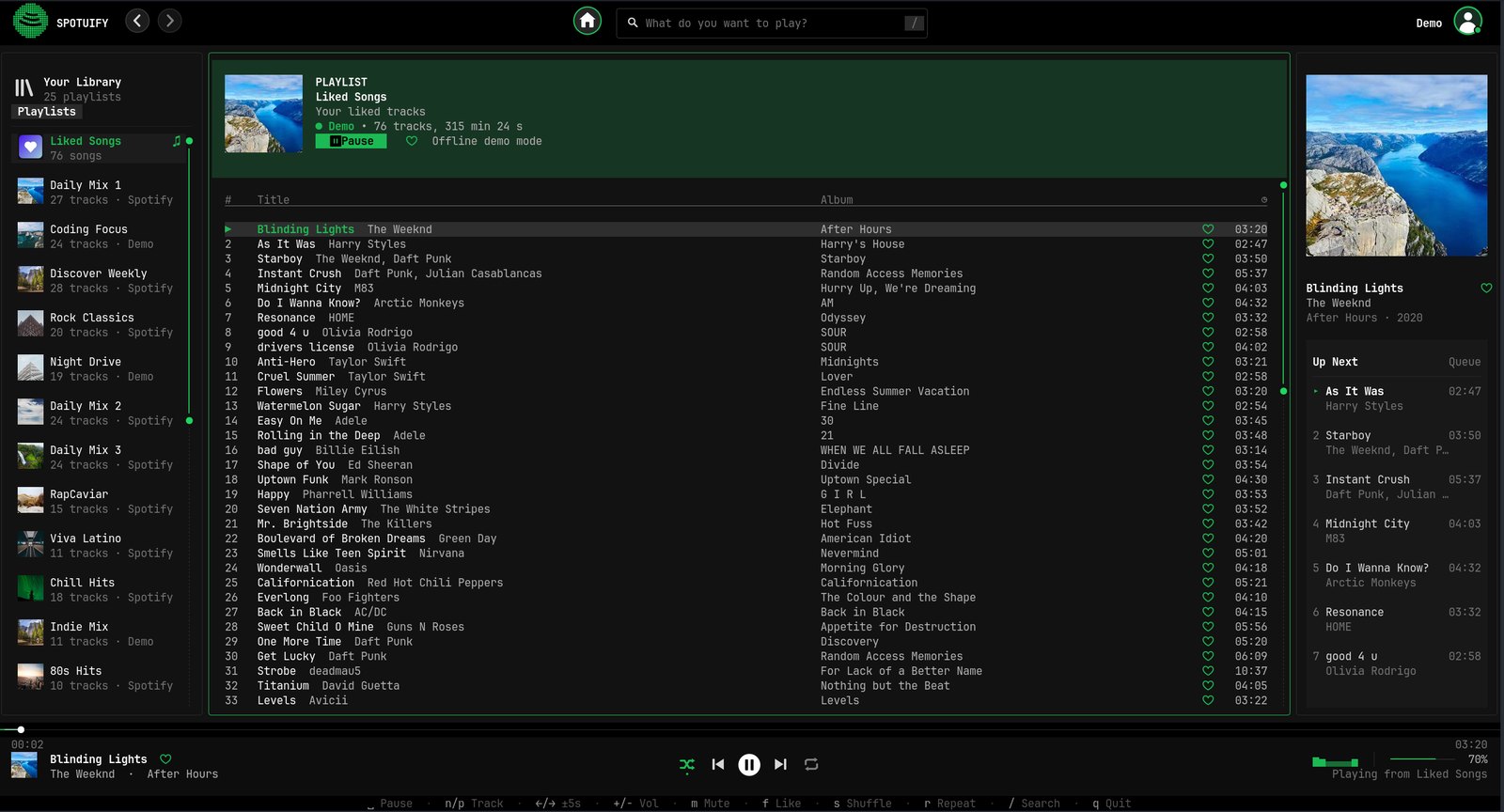
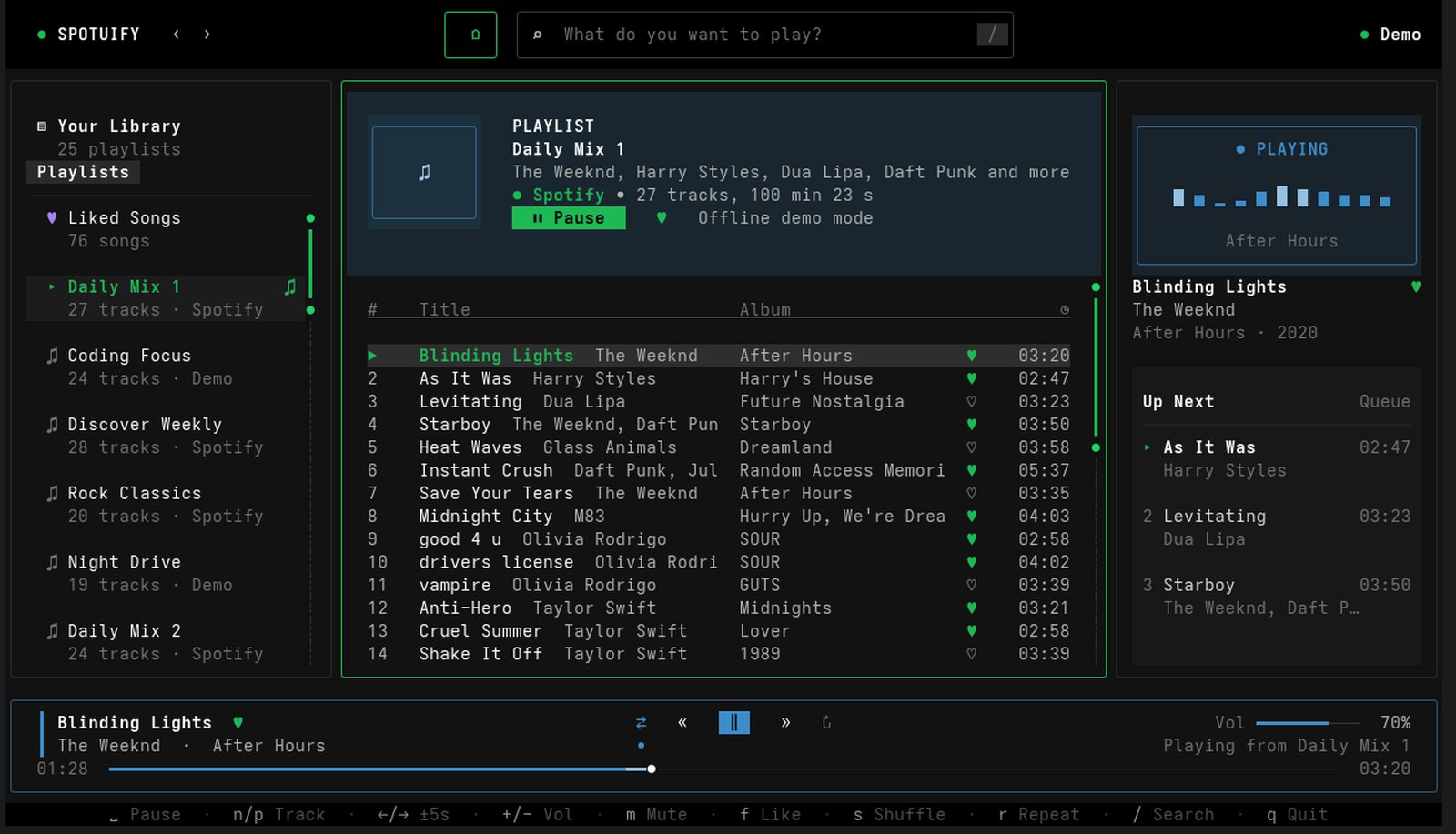
On terminals with Kitty, Sixel, or iTerm2 graphics, album covers and icons render at full resolution. Spotuify picks the protocol by itself.
On text-only terminals, Spotuify skips pixelated halfblocks. Controls stay crisp Unicode, the waveform animates, and the accent color is sampled from the cover.
Spotuify replaces hundreds of megabytes of browser runtime with an ultra-lean, native Rust binary designed to run continuously without throttling your system.
Single native Rust process vs. Chromium CEF / Electron with multiple background helper processes.
Instant compiled ELF binary startup vs. initializing Chromium runtime, V8 engine, and JS bundles.
Event-driven terminal updates with zero GPU compositing, web DOM diffing, or tracking loops.
Single statically linked binary (stripped with LTO) vs. bundled web browser and framework assets.
| Aspect | Spotuify (TUI) | Official Client (Desktop) | Advantage |
|---|---|---|---|
| Architecture | Native Rust (Ratatui + librespot) | Electron / Chromium CEF + Web Apps | ✓ Native |
| Process Model | 1 single lightweight process | 6+ multi-process browser helpers | ✓ Native |
| Audio Backend | Direct 32-bit float PCM (PipeWire / ALSA) | WebAudio / PulseAudio standard sink | ✓ Native |
| Input Latency | Instant raw terminal input events | Browser event queue & DOM propagation | ✓ Native |
| Battery & Resource Drain | Virtually zero impact on laptops | High background battery consumption | ✓ Native |
ps_mem
; startup measured with
hyperfine
; CPU sampled across 10-minute playback sessions.
Test it yourself →
Built-in playback from end to end — gapless, normalized, and tuned for clean music listening straight out of your terminal.
Streams directly at Spotify Very High quality with gapless track transitions, automatic next-track preloading, and a local audio cache.
Pure ReplayGain capped at track peak — consistent volume across albums with no limiter, no pumping, and zero clipping.
Pipes 32-bit float PCM straight to PipeWire (quality 14, 100 ms latency) or PulseAudio with optional bit-perfect 44.1 kHz and auto recovery.
No background players, browser tabs, or Connect bridges to configure. Launch Spotuify and hit Enter to listen.
Fly through playlists and search results with Vim-style keybindings, or click, drag, and scroll anywhere inside the terminal window.
Install once to get spotuify
and spty
anywhere in your shell, or try --demo
offline right away.
./install.sh
to install spotuify
and spty.
http://127.0.0.1:8898/login
).
0600
fallback on headless Linux).
context.properties = {
    default.clock.allowed-rates = [ 44100 48000 ]
} $ git clone https://github.com/markush0f/spotuify && cd spotuify && ./install.sh $ spotuify $ spotuify --lang es $ git pull && ./install.sh $ spotuify --logout $ cargo run $ cargo run -- --demo $ cargo test $ cargo build --profile dist